Unfollow Checker Android App: Free, Ad-Free Instagram Follower Tracker
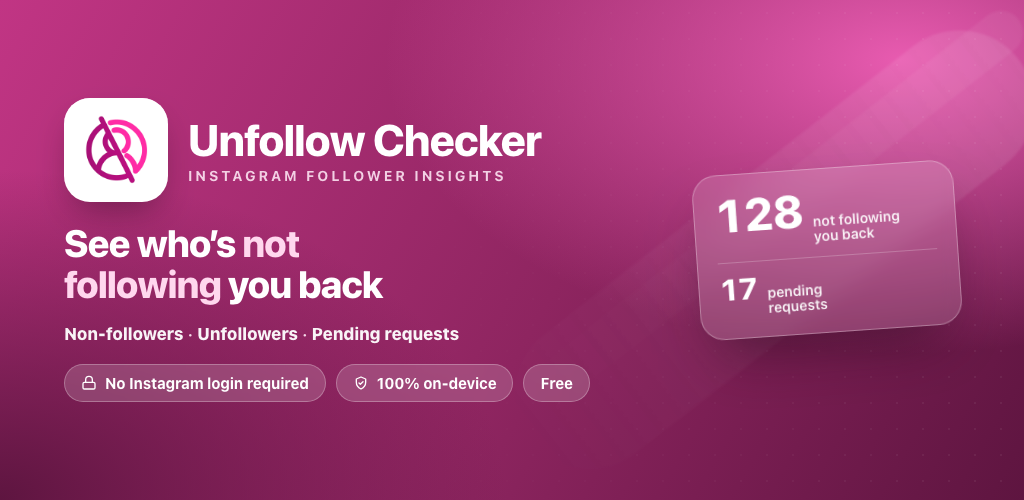
The Unfollow Checker Android app is now on Google Play. It does what the website does, finds the people who don't follow you back on Instagram, but as a free, ad-free app that works on your phone without asking for your Instagram login.
What is the Unfollow Checker Android app?
Unfollow Checker is an Instagram follower insights app. It reads your own follower and following lists and turns them into three simple lists:
- Not following you back: accounts you follow that don't follow you.
- Unfollowers: people who used to follow you and no longer do.
- Pending requests: follow requests you sent that haven't been accepted yet.
Tap a name to open that profile on Instagram, decide who is worth keeping, and tick people off as you go. If you have ever wondered who unfollowed you on Instagram, this is the quickest way to find out.
Why use the app instead of the website?
The web version at unfollow.oddete.com is free and works in any browser, and it will stay that way. The Android app is for people who check their followers regularly and want a cleaner experience:
- No ads. The app is completely ad-free.
- Always on your phone. Open it from your home screen instead of a browser tab.
- Private by design. Everything is processed on your device, so your follower data isn't uploaded anywhere.
- Still free. There is nothing to pay to download or use it.
App vs web version
| Android app | Web version | |
|---|---|---|
| Price | Free | Free |
| Ads | None | Some ads |
| Instagram login needed | No | No |
| Where your data is processed | On your phone | In your browser |
| Works on | Android | iPhone, Android, Mac and PC |
Is it safe? No password, no login
Many follower trackers ask you to sign in with your Instagram username and password. That is risky, and it can get your account flagged. Unfollow Checker never asks for your credentials. You stay logged out of the tool, your data stays on your phone, and your Instagram account is never connected to it.
How to get started
- Install Unfollow Checker from Google Play.
- Get your follower and following data from Instagram. If you haven't done this before, follow our guide: How to download your Instagram data ZIP.
- Open the app and follow the prompts to load your data.
- Browse your non-followers, unfollowers and pending requests, then open any profile to unfollow.
Using an iPhone?
There is no iPhone app yet, but you don't need one. The web version works in Safari and Chrome on iPhone, Mac and PC with no download and no login.
Frequently asked questions
Is the Unfollow Checker Android app free?
Yes. The app is completely free to download and use, and it has no ads.
Do I need to log in to Instagram or share my password?
No. Unfollow Checker never asks for your Instagram username or password, so there is nothing to hand over and no account to put at risk.
Where is my follower data processed?
Everything is processed on your phone. Your follower and following lists are not uploaded to a server.
What can the app show me?
It shows who is not following you back, who has unfollowed you, and which of your follow requests are still pending.
Is there an iPhone version?
Not at the moment. iPhone users can use the free web version at unfollow.oddete.com, which works in Safari and Chrome with no download.